
HMRC Personal Tax Account: What It Shows and How to Set One Up
The HMRC personal tax account shows your tax code, income, National Insurance record and refunds online. How to set it up and what you can do with it.
CloudkeepersPublished 3 min read
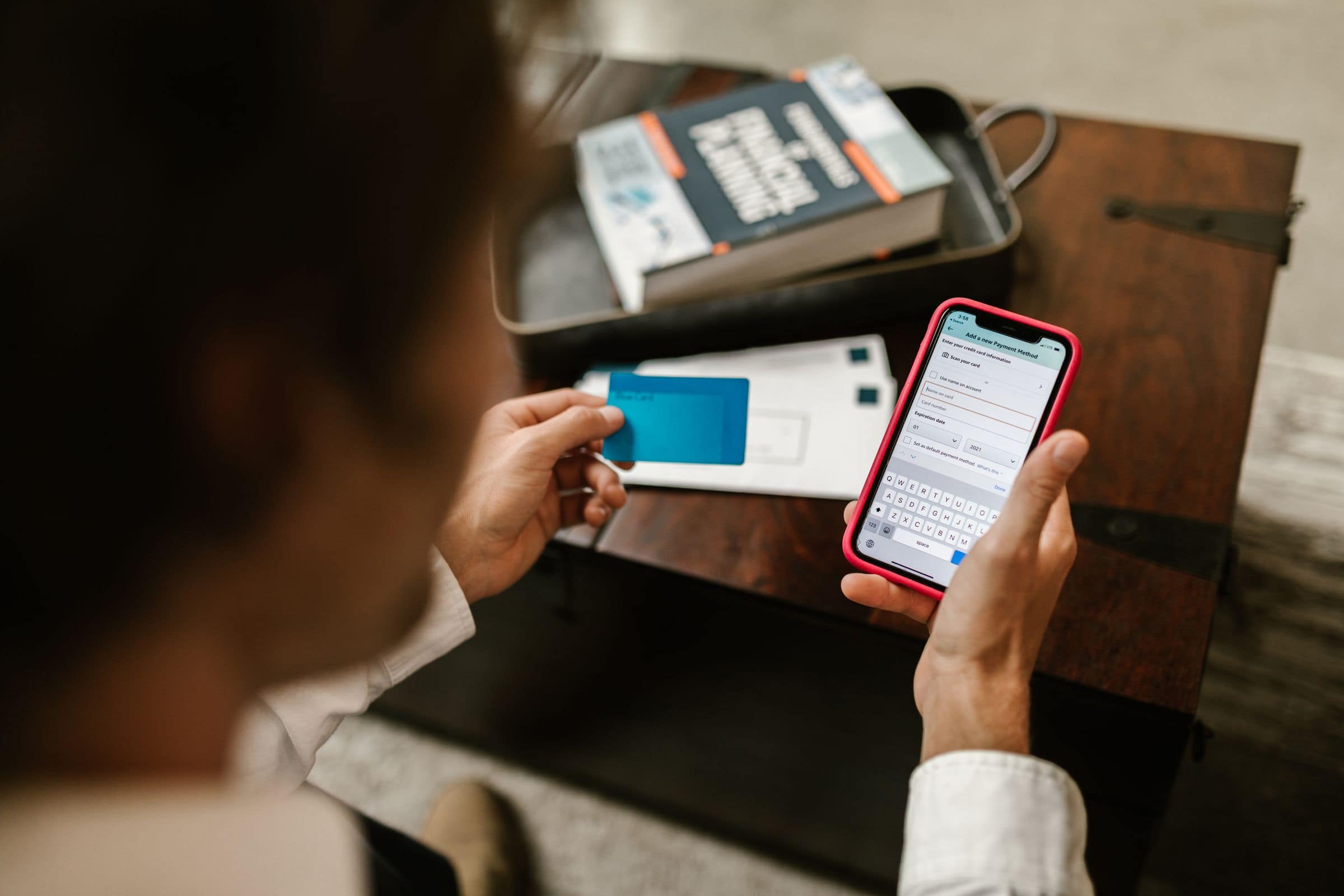
The HMRC personal tax account is a free online account that shows everything HMRC holds about your personal taxes in one place: your tax code, the income it has recorded for each employer or pension, your National Insurance record, your state pension forecast, any refund you are owed and, if you file a return, your Self Assessment. Setting one up takes about fifteen minutes and saves a phone call almost every time you need something from HMRC.
What the personal tax account is
HMRC launched the personal tax account in 2015 to give individuals the same self-service that businesses already had. It is not a separate login: you reach it with the same Government Gateway user ID (or GOV.UK One Login) used for other HMRC services, and it works alongside the HMRC app. Everything in it is read from HMRC's live records, so what you see is what your employer and HMRC are working from.
How to set one up
- Search GOV.UK for "personal tax account" and choose "start now".
- Sign in with an existing Government Gateway ID or One Login, or create one.
- Prove your identity. HMRC asks for your National Insurance number and then details from two of: a UK passport, a photocard driving licence, a recent payslip or P60, or your credit record. If you cannot pass the online check, you can use the GOV.UK ID Check app with a photo ID.
- Set up two-step verification. The HMRC app is the most convenient method.
The account is ready immediately. Linking Self Assessment needs your UTR and an activation code posted to you.
What you can check
- Your tax code for each job and pension, with the adjustments behind it. See our tax codes guide.
- Income and tax paid for this year and the previous five, as reported by each employer.
- Estimated tax for the year, and whether HMRC expects you to have under or overpaid.
- National Insurance record, year by year, including gaps you could fill voluntarily.
- State pension forecast and the date you reach state pension age.
- Self Assessment: returns filed, calculations, statements and payments on account.
- Child Benefit, Marriage Allowance and tax credits if they apply to you.
What you can change or claim
- Tell HMRC about a change of address or name.
- Update the estimated income for a job or pension so your code is right.
- Report a company benefit that has started or stopped.
- Claim a refund of overpaid tax shown on a P800.
- Claim tax relief on work expenses, professional subscriptions and uniform costs.
- Apply for Marriage Allowance.
- Check and pay voluntary National Insurance contributions.
- Request your SA302 and tax year overview for a mortgage application.
The HMRC app vs the website
The HMRC app shows the same information with a simpler layout and the convenience of fingerprint or face sign-in. It is better for quick checks: your UTR, your National Insurance number, your latest payslip figures and your Self Assessment balance. The website is better for anything with a form, such as claiming expenses or updating several employments at once. Most people end up using both.
Personal tax account vs business tax account
The business tax account is the equivalent for a company or a sole trader's business taxes: Corporation Tax, VAT, PAYE for employers and CIS. If you run a limited company you will have both, ideally on separate Government Gateway accounts. Your own Self Assessment, even if the income comes from the company, lives in the personal tax account.
What Cloudkeepers can do
Clients often send us a screenshot from their personal tax account when a code or estimate looks wrong, and we sort it out with HMRC through our agent account. If you would like someone checking these things for you through the year, our Self Assessment service includes that review.
Frequently asked questions
It is your online account with HMRC for personal taxes. It shows your tax code, the income HMRC has on record for each job or pension, your National Insurance record, Self Assessment details if you file a return, and any refunds or underpayments. You can update your details and make claims directly in it.
Go to GOV.UK, search 'personal tax account' and sign in with a Government Gateway user ID or GOV.UK One Login. If you have neither, create one on the same page and confirm your identity with your National Insurance number plus a passport, driving licence, P60 or payslip. It takes about fifteen minutes.
Self Assessment sits inside it. Once your UTR is linked, the account shows a Self Assessment section where you can file, view calculations and pay. If you can see the account but not Self Assessment, the enrolment is on a different Government Gateway ID or still needs its activation code.
Yes. If HMRC has calculated that you overpaid through PAYE, the account shows the amount and lets you request payment to your bank, usually within five working days. You can also claim work expenses, Marriage Allowance and relief on pension contributions from the same place.
More on how-to guides

How-to guides
HMRC Self Assessment Login: How to Sign In, Recover Your Details and Fix Common Errors
How to log in to HMRC Self Assessment: where to sign in, what you need, two-step verification, recovering a lost Government Gateway ID and common errors.

How-to guides
What Is a UTR Number? How to Find or Get Your Unique Taxpayer Reference
Find a lost UTR number or apply for one, with direct links to HMRC. Where your 10-digit UTR appears, how long it takes, and personal vs company UTRs.

How-to guides
Government Gateway User ID: How to Create, Find and Recover It
Your Government Gateway user ID is the 12-digit number for signing in to HMRC. How to create one, find it, recover it, and how GOV.UK One Login fits in.